Best AI Image Generators in 2026 — Free and Paid Options That Actually Deliver

Last updated Jul. 28, 2026
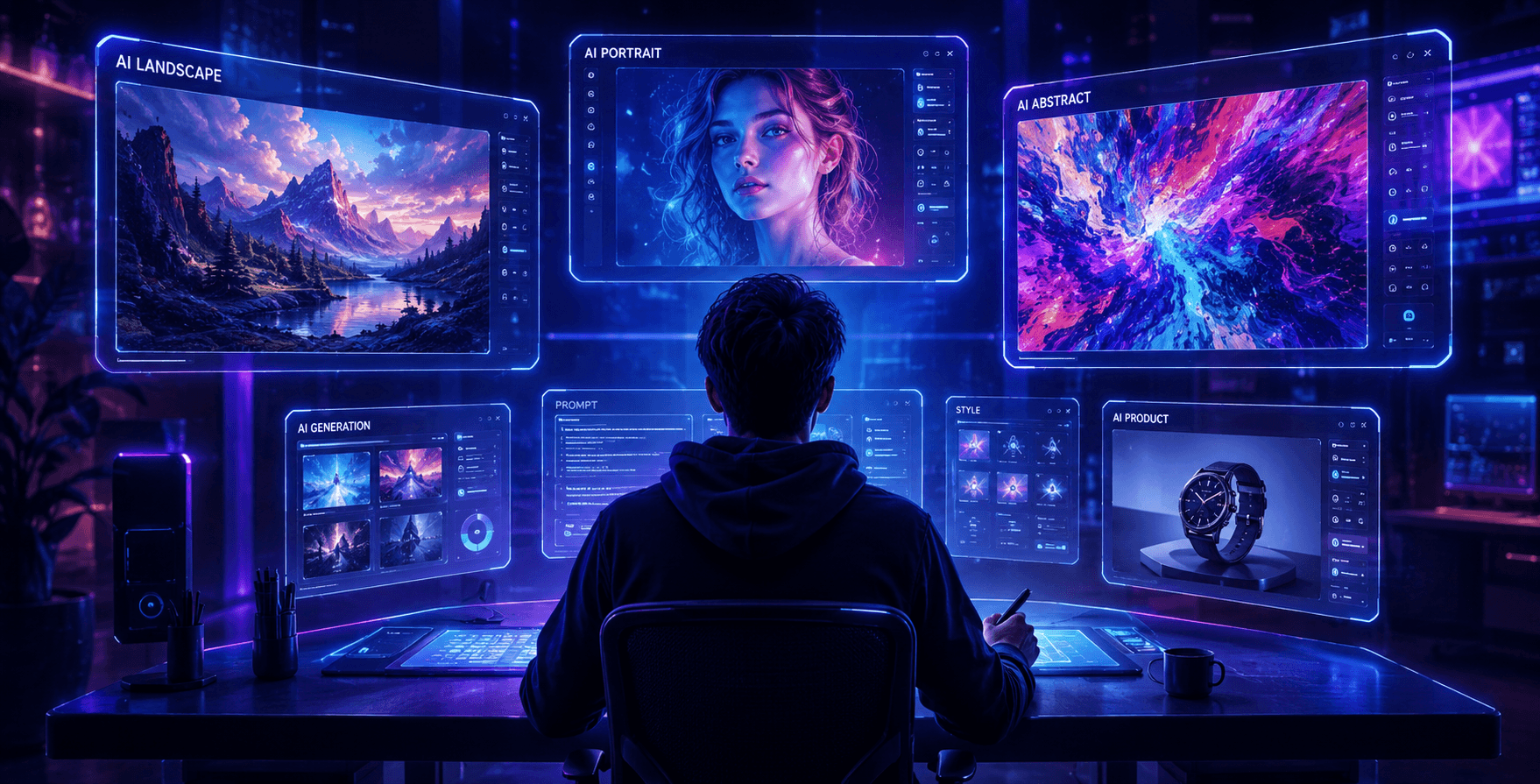
If you haven't checked the AI image generation space in the past six months, you're in for a surprise. The landscape has shifted dramatically. DALL-E? Gone — OpenAI retired it in May. Google's Imagen? Also sunset. Midjourney quietly jumped to version 8.2. And a few newcomers have muscled their way into the conversation.
I've been using these tools regularly for content creation, design mockups, and general creative work. So rather than give you a Wikipedia-style overview, I'm sharing what I've actually experienced — what impresses me, what frustrates me, and what I'd recommend depending on your situation.
Let's get into the current state of things.
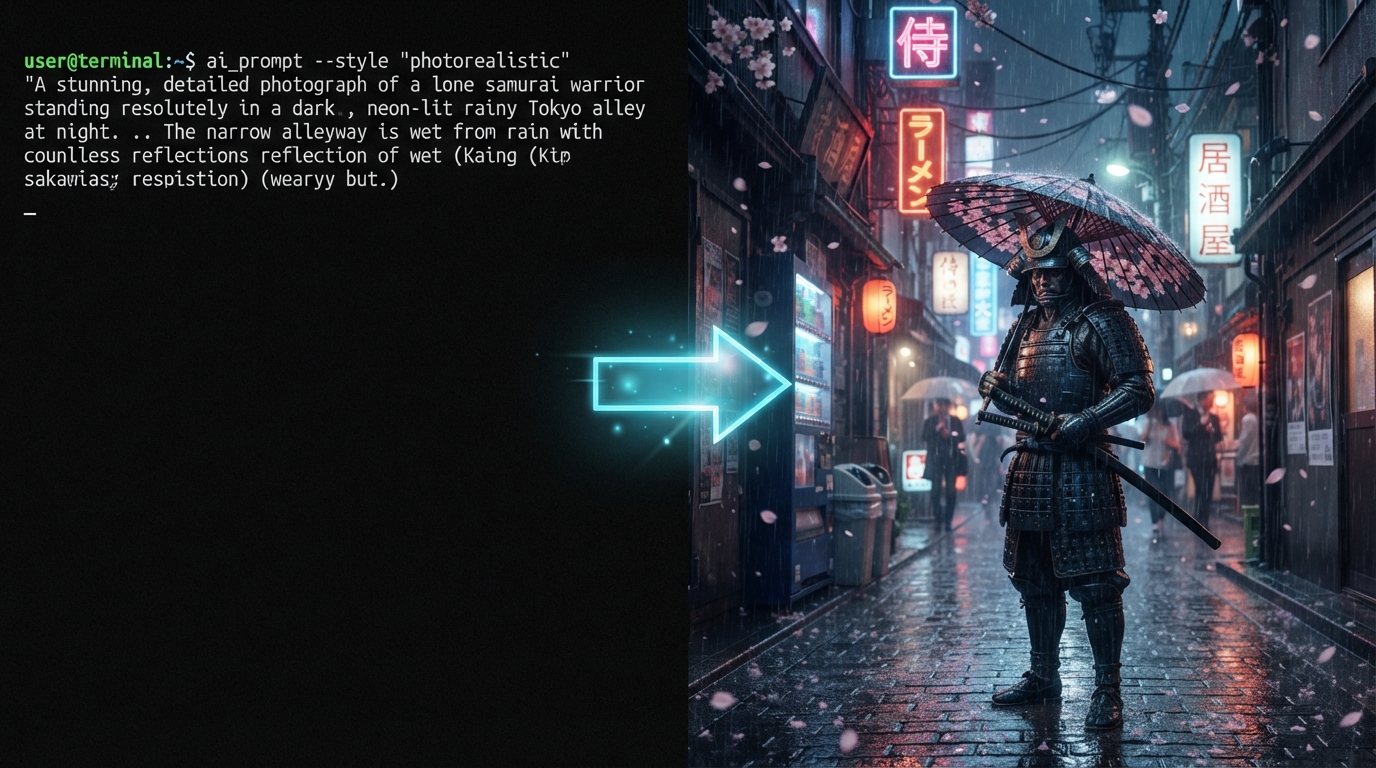
A Quick Reality Check Before We Start
No AI image generator is perfect. Every single one has quirks. Some mess up hands (though they've gotten way better at this). Some struggle with text in images. Some produce stunning results but cost as much as a streaming subscription.
The "best" tool depends entirely on what you need. A graphic designer has very different requirements from someone who just wants cool wallpapers. So instead of ranking them in some arbitrary order, I've grouped them by what they're actually good at.
Let's get into it.
GPT Image 2 — The New Default for Most People
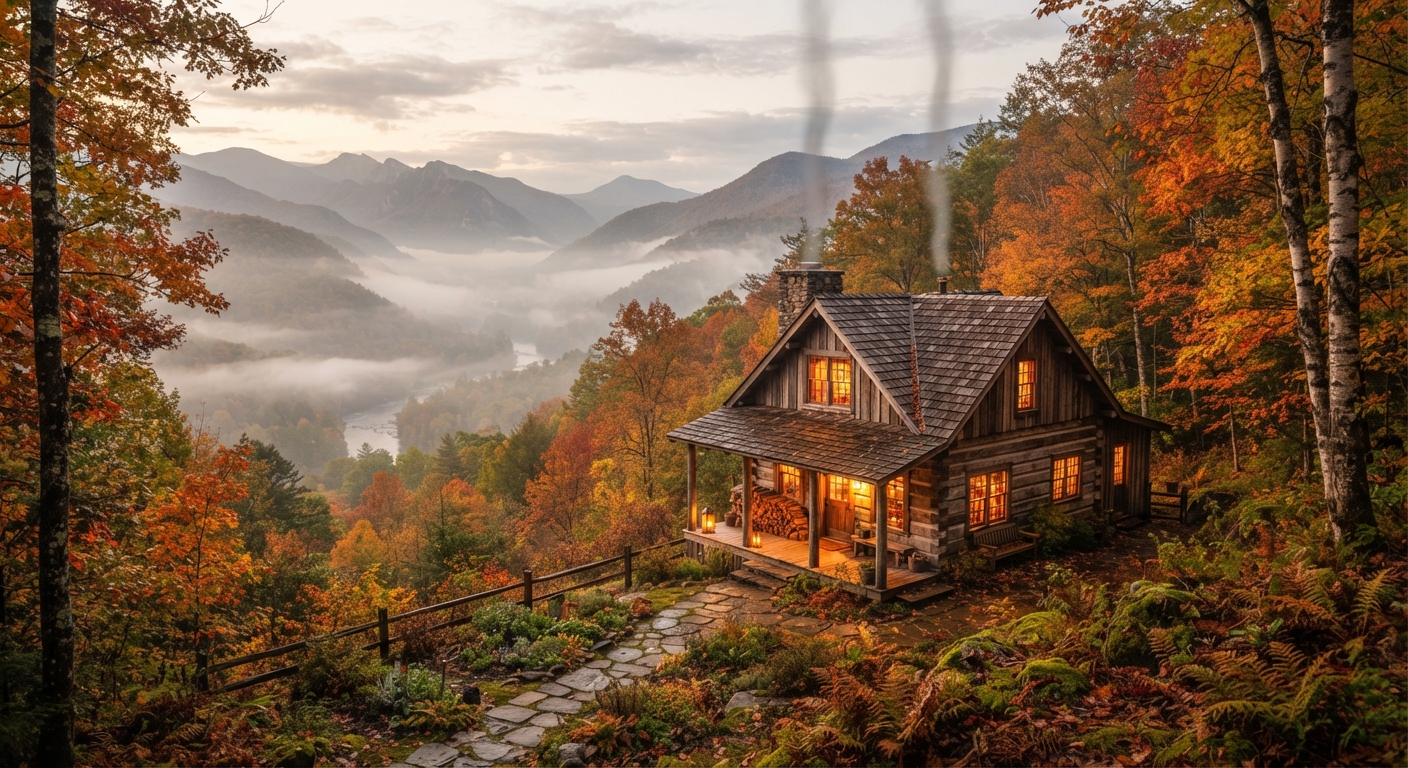
When OpenAI deprecated DALL-E and rolled out GPT Image 2 in April, it wasn't just a name change. The whole approach is different. This model actually thinks before it draws. It plans the layout, checks its work, and can even search the web to verify visual details. That sounds like marketing speak, but you feel the difference when you use it.
The text rendering alone is reason enough to pay attention. Previous AI models would butcher any text you asked them to put in an image. GPT Image 2 handles it with something like 99% accuracy across multiple scripts — Latin, Chinese, Japanese, Hindi, Bengali, you name it. I've generated marketing mockups with clean, readable headlines that I could actually use without touching them up in Photoshop.
It supports up to 2K resolution natively, with experimental 4K in some setups. The color science and skin textures have improved to the point where generated portraits don't have that subtle "AI sheen" anymore. You can also batch-generate up to eight consistent images from a single prompt, which is incredibly useful for social media campaigns or product variations.
Access is through ChatGPT. The basic "Instant Mode" is available even on the free tier, which is generous. The more advanced "Thinking Mode" — where the model plans layouts and verifies its output — requires a paid plan.
If you had to pick exactly one image generator and use nothing else, this would be my recommendation for most people in mid-2026.
Midjourney V8.2 — Still the King of Aesthetics
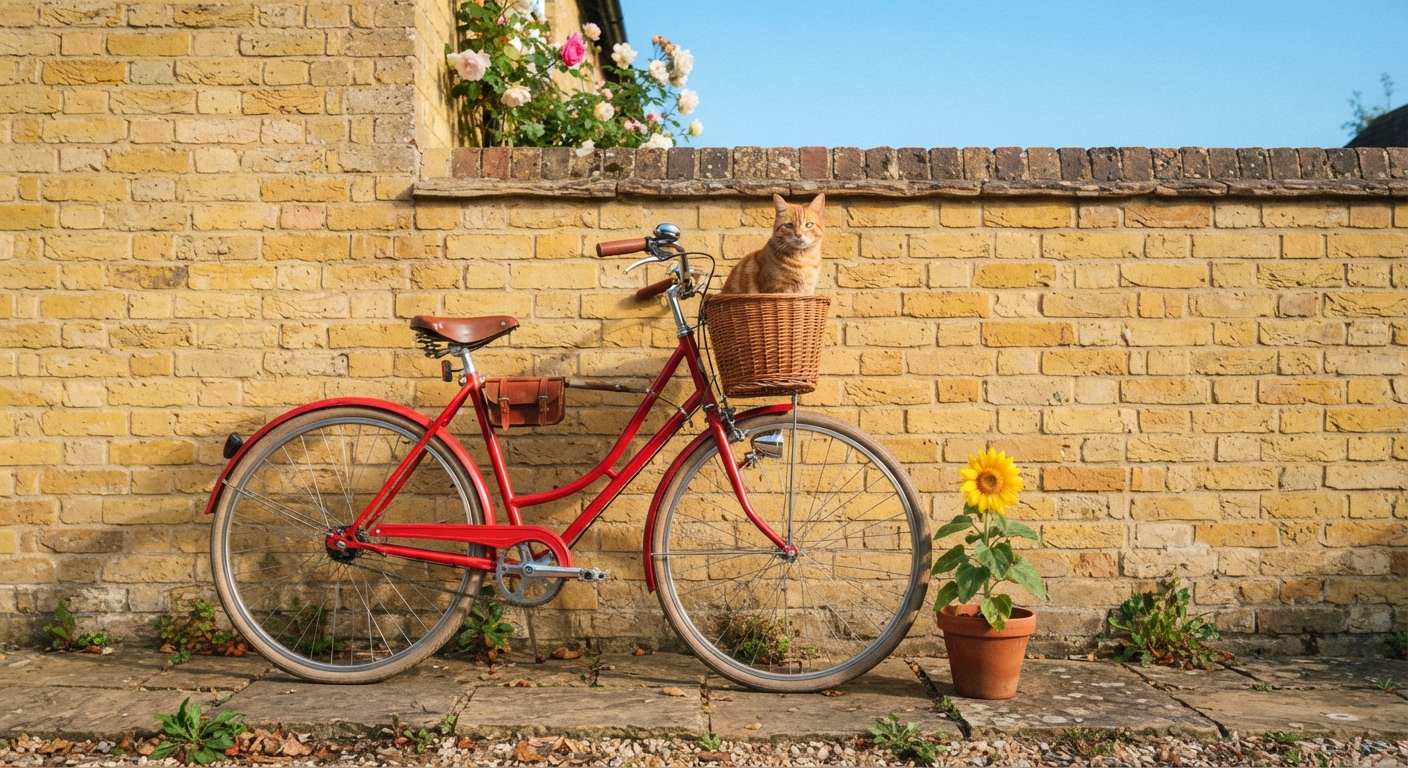
Midjourney just released V8.2 at the end of July, and it continues to do what Midjourney has always done best: make things look absolutely stunning without requiring much effort from you.
The aesthetic quality gap between Midjourney and everything else has narrowed over the past year, but it's still there. There's something about the way Midjourney handles lighting, composition, and mood that other models don't quite replicate. You can type a fairly basic prompt and get back an image that looks like it was composed by a professional photographer or digital artist.
V8.2 brings faster rendering speeds (building on V8.1's 4-5x speed improvement), 2K HD output, and significantly improved Personalization — it now draws from a larger pool of your past preferences to tailor outputs to your specific taste. Over time, your Midjourney results start feeling uniquely "yours" in a way that's hard to get elsewhere.
The Discord-based workflow still exists, though they've expanded the web interface considerably. The entry-level plan runs about $10 per month, which is reasonable given what you get.
My take: If your primary goal is creating visually beautiful images — portfolio work, concept art, mood boards, editorial visuals — Midjourney is still the tool that consistently produces results you want to frame and hang on a wall.
Google Nano Banana 2 — The Photorealism Powerhouse
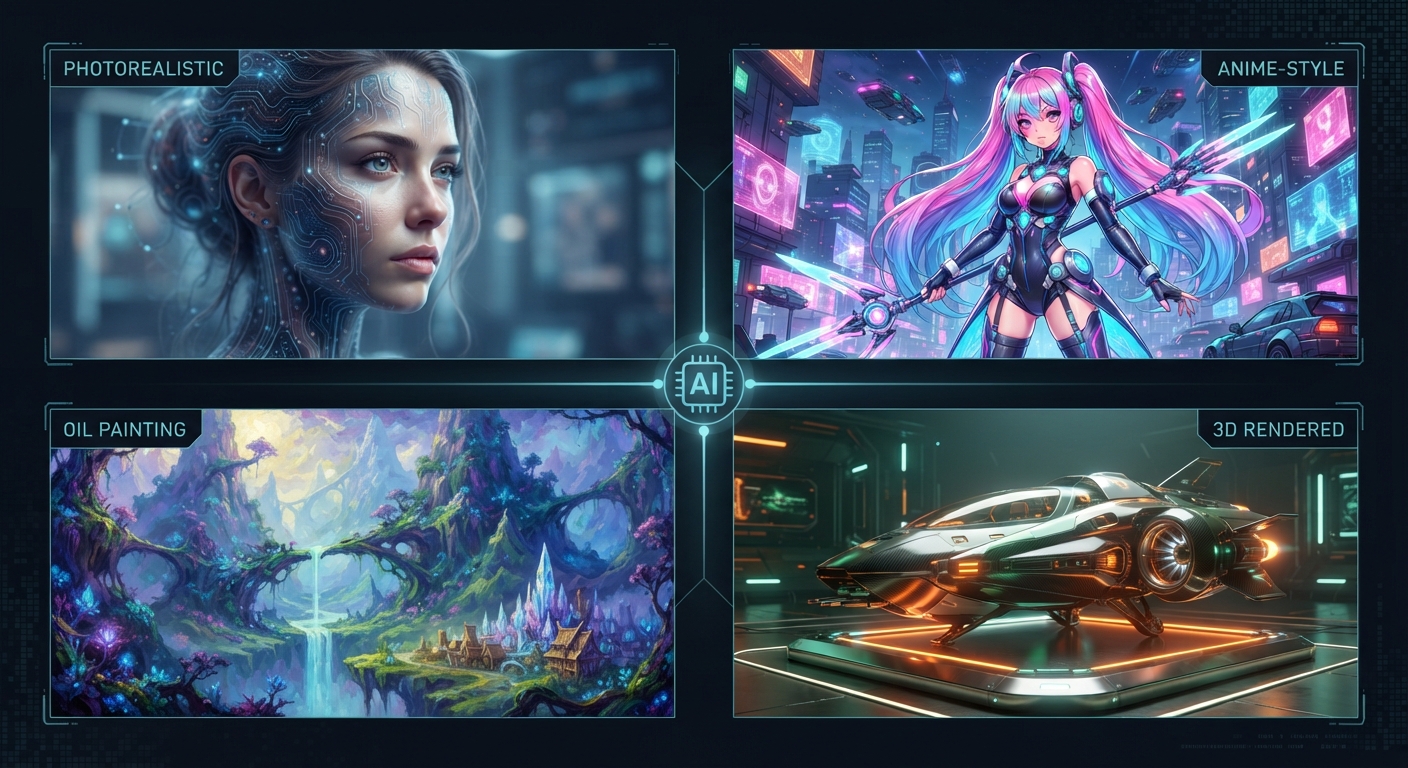
Yes, that's really the name. Google retired the Imagen brand and replaced it with Nano Banana, which sounds like a breakfast smoothie but actually produces some of the most photorealistic AI images available right now.
Nano Banana 2 excels at speed and photorealistic quality simultaneously. Most other models make you choose — fast but mediocre, or gorgeous but slow. Nano Banana delivers studio-quality photography at impressive generation speeds, which makes it particularly attractive for professional workflows where you need volume.
The Pro variant pushes output up to 4K resolution for complex professional assets. It's integrated into the Gemini ecosystem, Google AI Studio, and even Google Search's AI Overviews. If you're already working within Google's suite of tools, this is the most frictionless option.
Where I think it falls short compared to Midjourney is in artistic flair. Nano Banana produces technically excellent images, but they can feel a bit clinical. Great for product photography simulations, lifestyle imagery, and realistic mockups. Less great for moody concept art or stylized illustrations.
Google Flow — The Full Creative Studio
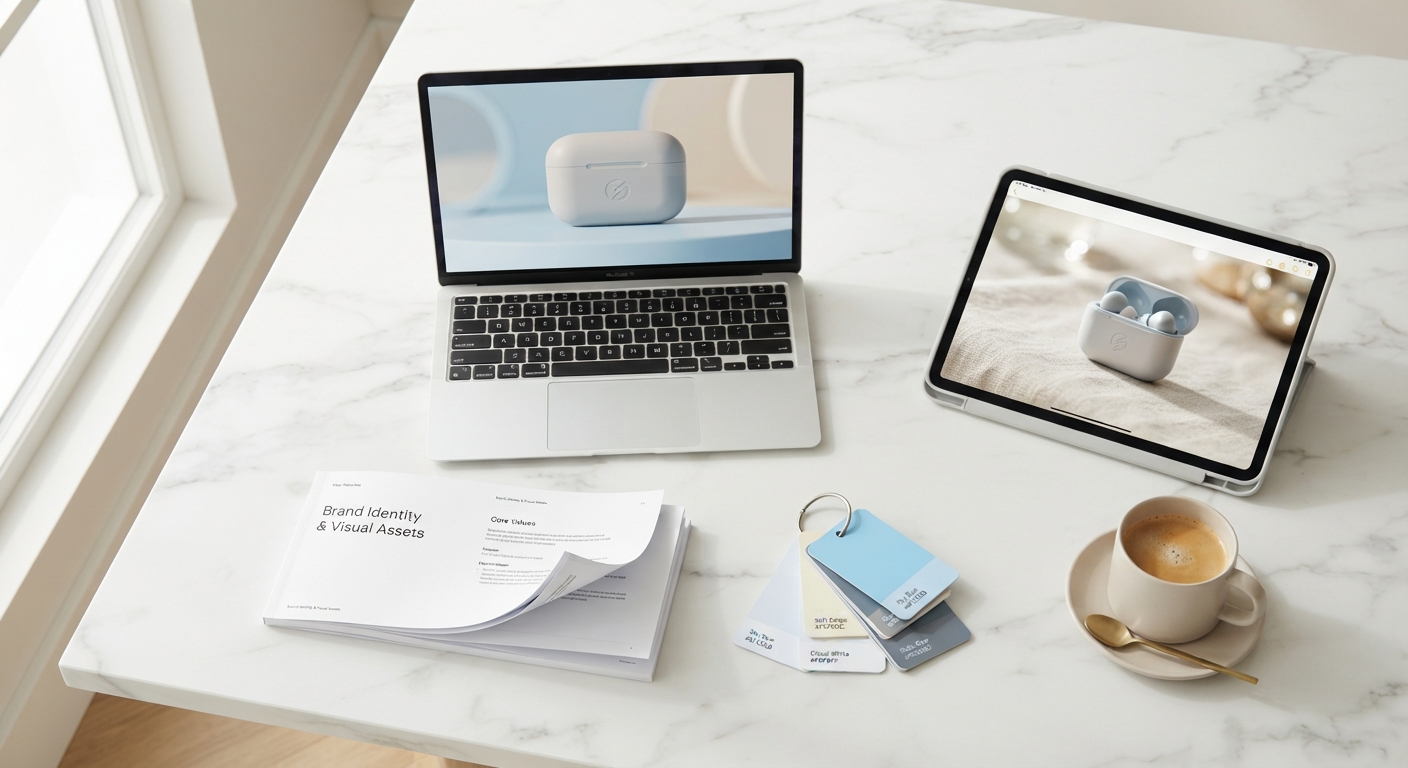
While we're talking about Google, it's worth mentioning Flow separately because it's not just an image generator — it's a complete creative workspace.
Google Flow is designed for filmmakers and creators. It brings together Nano Banana for images and Veo 4 for video generation into a unified workspace where you can create, edit, and manage entire creative projects. Features include background rendering, real-time notifications, and asset sync across devices.
Veo 4, which launched in April, supports video generation up to 30 seconds at 4K resolution with impressive character consistency and storyboarding inputs. If your creative work involves both still images and video (and increasingly, whose doesn't?), Flow is worth exploring.
It's not meant to replace a quick image generator for one-off social media posts. Think of it more as a production tool for people who are creating campaigns, short films, or multi-asset projects.
Flux 2 — The Developer's Favorite
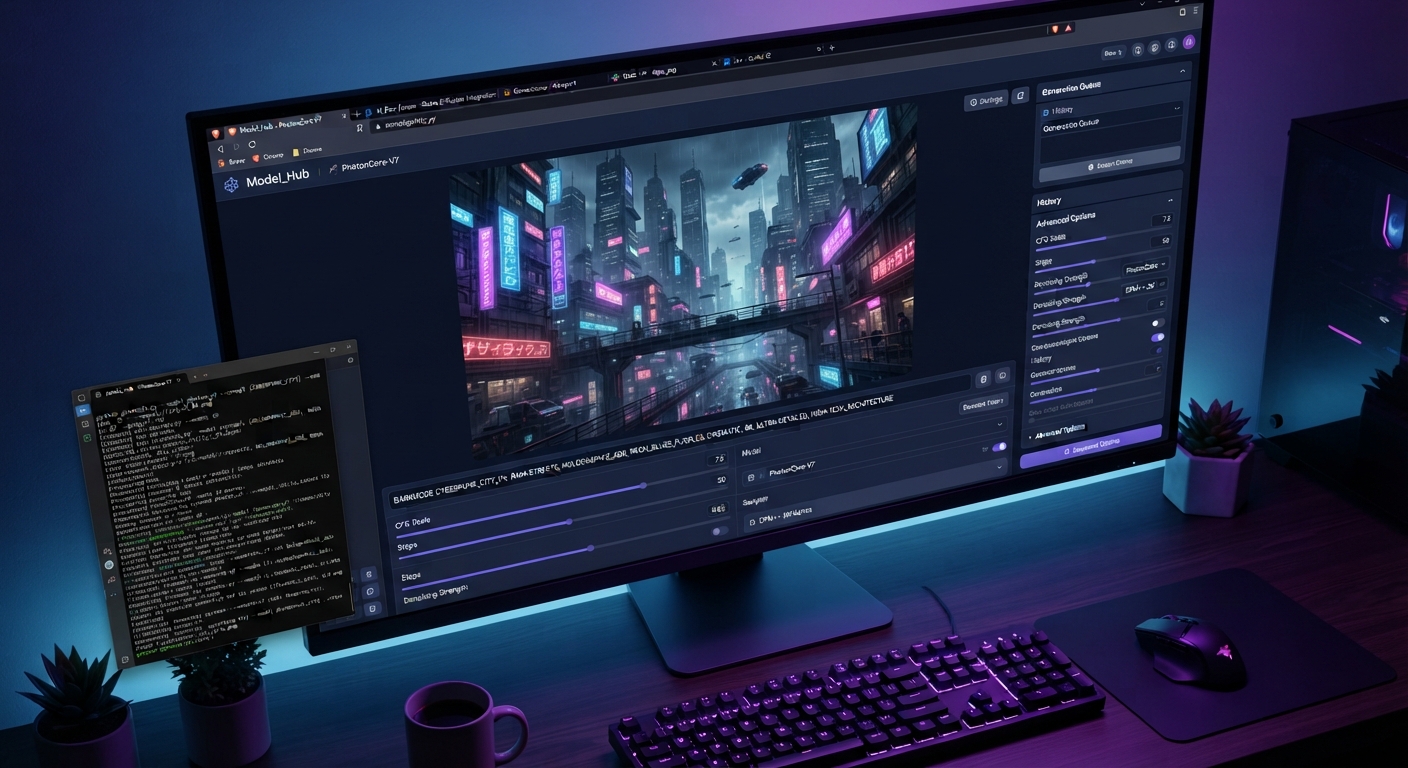
Flux 2, built by Black Forest Labs, has become the go-to choice for technically inclined users who want control, transparency, and the ability to self-host.
Built on a massive 32-billion parameter architecture, Flux 2 produces high-quality images with excellent spatial understanding and prompt adherence. It supports up to 4-megapixel outputs and handles typography well. The multi-reference feature — letting you reference up to 10 images for style, character, or product consistency — is particularly useful for maintaining visual coherence across a series of images.
The model comes in several variants. Flux 2 Max is the flagship for maximum quality. Flux 2 Pro balances quality and speed for production use. Flux 2 Dev is designed for experimentation and fine-tuning. And there are lighter variants for when speed matters more than fidelity.
Importantly, Flux offers open-weight models that you can host locally or integrate into your own applications. For developers building AI-powered creative tools, this is a significant advantage. Black Forest Labs has also started teasing Flux 3, a multimodal model that integrates images, video, and audio — but that's still emerging.
If you're a developer, a startup building creative tools, or someone who wants to run image generation on your own infrastructure, Flux 2 is probably where you should be looking.
Recraft V4.1 — The Designer's Secret Weapon
Recraft doesn't get the mainstream attention that Midjourney or ChatGPT's image generator gets, but among professional designers, it's quietly become essential.
What makes Recraft unique is its native vector generation. It can produce genuine, editable SVG files with clean geometry and structured layers. You can open these directly in Figma or Adobe Illustrator and edit them properly. No other major AI image generator does this.
The V4.1 release from May splits into three focused lines: the main model for artistic and creative work, a Utility model for production-ready tasks like mockups and product shots, and a Vector model specifically for logos, typography, and scalable illustrations. Each is available in Standard (1MP) and Pro (4MP) versions.
The Exploration Mode is a nice touch — generate multiple visual directions from a single prompt to quickly compare concepts before committing to a direction.
If your work involves brand design, logo creation, or anything where you need editable vector output, Recraft fills a gap that literally nothing else covers well.
Adobe Firefly — Still the Safest Commercial Choice
Adobe Firefly hasn't had the flashiest updates compared to the competition, but it maintains one crucial advantage: copyright safety. It's trained exclusively on licensed content and public domain images, which means you can use the outputs commercially without the legal ambiguity that hangs over most other generators.
The generative fill and generative expand features in Photoshop remain genuinely excellent. Select part of an image, describe what should be there, and the result blends seamlessly. For photo editing and compositing work, nothing else integrates as naturally into a professional workflow.
If you're already paying for Creative Cloud and your primary need is enhancing photos, extending backgrounds, or generating elements to composite into existing designs, Firefly is a solid practical choice. It won't produce the jaw-dropping standalone images that Midjourney or GPT Image 2 can, but that's not really its purpose.
Ideogram — Still the Typography Champion
Ideogram continues to specialize in what it does best: text in images. While GPT Image 2 has closed the gap significantly on text rendering, Ideogram still offers more granular control over typography — fonts, layouts, and text-heavy visual designs.
For logo mockups, poster designs, social media graphics with text overlays, or t-shirt graphics, it remains a strong specialist tool. There's a usable free tier that gives enough daily generations for casual use.
Leonardo AI — The Underrated Middle Ground
Leonardo continues to sit in a comfortable middle space between ease-of-use and control. Their free tier (roughly 150 tokens per day) is one of the most generous in the market, the web interface is clean, and the output quality holds up well against the big names.
For someone who's outgrown basic prompting but doesn't want the complexity of Flux 2 or the cost of Midjourney, Leonardo remains my go-to recommendation. Image-to-image generation, canvas editing, and community models give you plenty of room to grow.
Free Options That Actually Deliver
If your budget is zero, you still have excellent choices:
ChatGPT Free Tier (GPT Image 2 Instant Mode): The best free option right now. You get the same GPT Image 2 model, just without the advanced thinking features. The quality is still excellent for most use cases.
Bing Image Creator: Still powered by OpenAI's technology and completely free with a Microsoft account. A reliable fallback when you need quick generations without signing up for anything new.
Leonardo AI Free Tier: Generous daily credits, good quality, and more control than most free options. Best free choice if you want to go beyond basic prompting.
Canva's AI Image Generator: Practical for quick social media graphics and presentations. Not the most powerful standalone generator, but within Canva's design ecosystem it makes a lot of sense.
My Honest Recommendations (July 2026)
Here's how I'd break it down based on what you actually need:
"I want beautiful images without any fuss." Midjourney V8.2. Pay the $10/month. You'll be happy.
"I need versatility — images, text in images, batch generation, everything." GPT Image 2 through ChatGPT. Best all-rounder right now.
"I need photorealistic images fast, at scale." Google Nano Banana 2. Speed and realism together.
"I'm building an app or want full technical control." Flux 2. Open weights, self-hostable, developer-friendly.
"I need vector files, logos, or brand design." Recraft V4.1. Nothing else does native SVG like this.
"Copyright safety is non-negotiable for my business." Adobe Firefly. Cleanest commercial licensing.
"I need images and video in one creative workflow." Google Flow with Nano Banana + Veo 4.
"I have no money." ChatGPT free tier first. Leonardo AI free tier second.
One Last Thing
This space moves so fast that any article you read — including this one — has a shelf life. Six months from now, Flux 3 might be the new standard. Google might rename Nano Banana to something even more bizarre. Someone nobody's heard of yet might release something that changes the game.
But right now, in July 2026, the tools listed above represent the best of what's available. Pick one that matches your needs, learn it well, and start creating.
The worst thing you can do is spend so long researching the "perfect" tool that you never actually make anything with any of them.